Quick answer
First check the list details (the server with the port, the username and the password, with no extra spaces) and whether the list is still valid with whoever provides it. If the list used to open and stopped, use Reload. The message the app shows tells you which case it is.
What the message means
When you add or open the list, the app shows why it failed. These are the messages on Android phones and TVs (Roku has its own, in parentheses):
| Message | What it is | What to do |
|---|---|---|
| Invalid credentials (Roku: Wrong username or password.) | The server rejected the username or the password. | Check both, letter by letter, with no space at the start or at the end. |
| Account is not active (Roku: This list has expired. or This list is blocked on the panel.) | The list expired or was blocked on the server. The app shows the status as the server sends it (for example, Expired). | Talk to whoever provides the list. |
| Could not reach the list provider. (Roku: Could not reach the panel.) | The server did not respond: wrong address or port, server down or device without internet. | Test the internet in another app, check the address and the port and try again later. |
| The list provider took too long to respond. | The server is slow. | Wait a little and try again. |
| No items found in the list. or The list came back empty. | The M3U link opened, but brought no channels or movies. | Check that the link is complete. If it is, talk to whoever provides the list. |
| Could not download the list (HTTP and a number) | The server rejected the M3U link. | The link may have expired or be wrong. Ask whoever provides the list for a new one. |
On LG and Samsung TVs, the message is shorter, Could not connect. or Failed to load the list., and covers all these cases. On those TVs, follow the checks below.
Check the list details
Most failures come from a detail in the list details:
- Server: with http:// or https:// and the port, as in http://server.example:8080. Without the port, the app uses 80 (or 443 with https://), and many servers use another one.
- Username and password: exactly as you received them. One extra space at the end, common when copying and pasting, is enough for the server to reject them.
- M3U link: the whole link, from http to the end. Links with get.php carry the username and password inside.
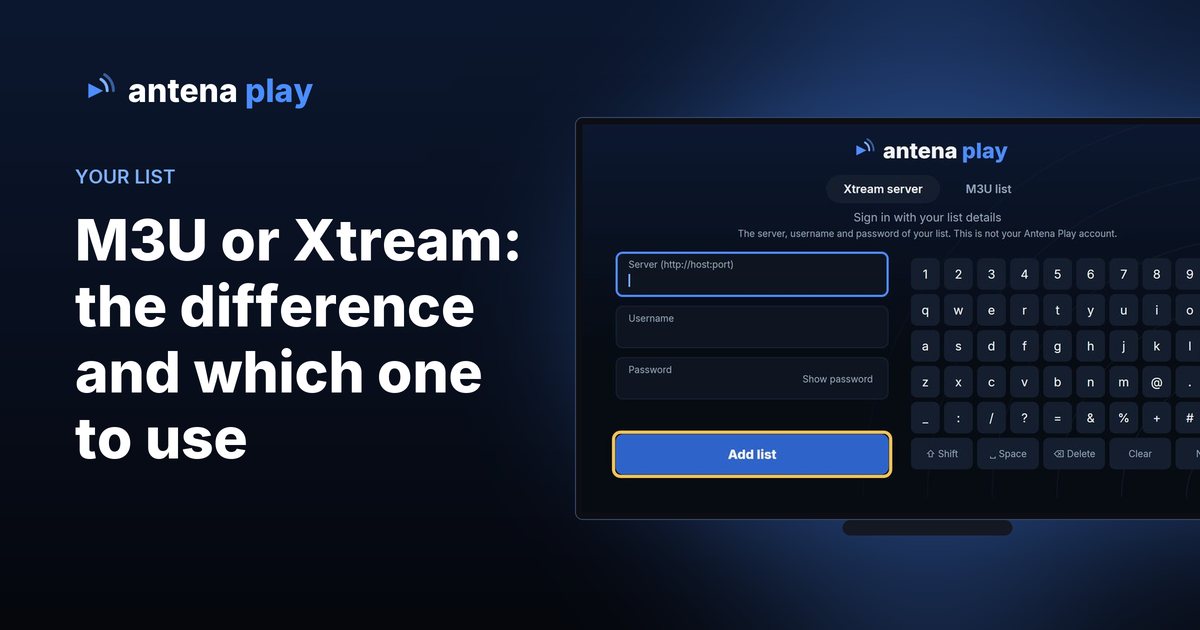
- Format: if you have a server, username and password, use the Xtream server tab. The M3U or Xtream guide shows where each detail is.
The list username is not your email. The email belongs to your Antena Play account, which is for Pro. The Username field takes the list username.
The list used to open and stopped
When a saved list stops opening, the app tells you. On Android TVs and phones, if the server rejects the list, you see Your list stopped working, with the details already filled in for you to fix, and the Use another list button. If the server just does not respond, the app shows the saved catalog with the notice No connection to the provider. Showing the saved catalogue. and the Try again button. On LG and Samsung TVs and in the browser, with nothing saved, you see Could not connect to your list. Check your internet and try again.
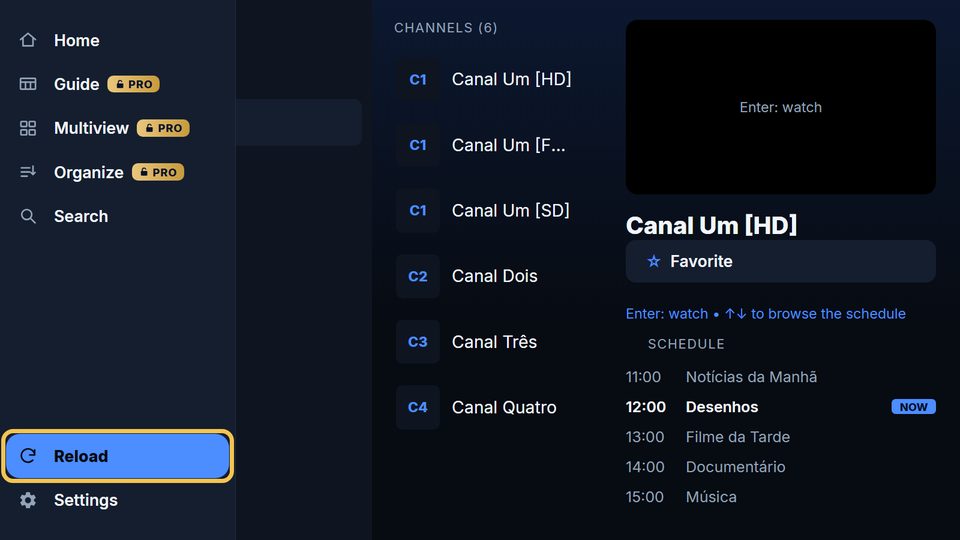
On the TV, Reload is at the bottom of the Live TV side menu.
To fetch the list again, use Reload: on the TV, in the side menu; on the phone and iPhone, in Settings (on the phone, it reloads the channels, the movies and the Pro status); on Roku, in the Reload tab. It does not delete anything from the list.
In the computer browser
The browser player depends on the list server accepting access from the browser. When the server answers but does not allow it, the app says The server answered but did not grant access. and suggests checking the username and password. If they are right, that server does not allow browser use, and the way out is Antena Play on the TV or the phone. The browser player opens on an http address on purpose, so that http lists work.
When to talk to whoever provides the list
- The app says the account is not active, or that the list has expired or is blocked.
- The same details fail on every device, even after checking them letter by letter.
- The server has not responded for hours, with the internet working.
Frequently asked questions
The list works in another app but not in Antena Play. Why?
Check that the details are exactly the same: the server with the port, the username and the password. If they are right, make sure the list is not open on another device: many lists accept few connections at the same time, and the server drops one of them.
Do I need to delete the list and add it again?
Usually not. Use Reload. If the list details changed, on Android the Your list stopped working notice already opens with the details filled in for you to fix.
What shows up when the internet goes down?
On Android TVs and phones, the app shows the saved catalog and offers Try again. Videos need the internet to play.
Read also
Did not find the answer? The Help center answers account and subscription questions, and contato@antenaplay.app handles the rest.
© 2026 Antena Play · A MyProjects Studio product · B.B.C Suporte e Consultoria em Tecnologia Ltda
Guides by device: Android TV and TV boxes · Android phones · iPhone · Roku · LG TV · PC browser
Guides · How to install on each device · How to use · Help · Privacy Policy · antenaplay.app